How Much Does AI Automation Cost in 2026? Real Price Ranges and How to Avoid Overpaying
From $0 DIY to $20,000+ agency projects: what AI automation really costs, what drives the price, and the questions that stop you overpaying.
By the Builderization team
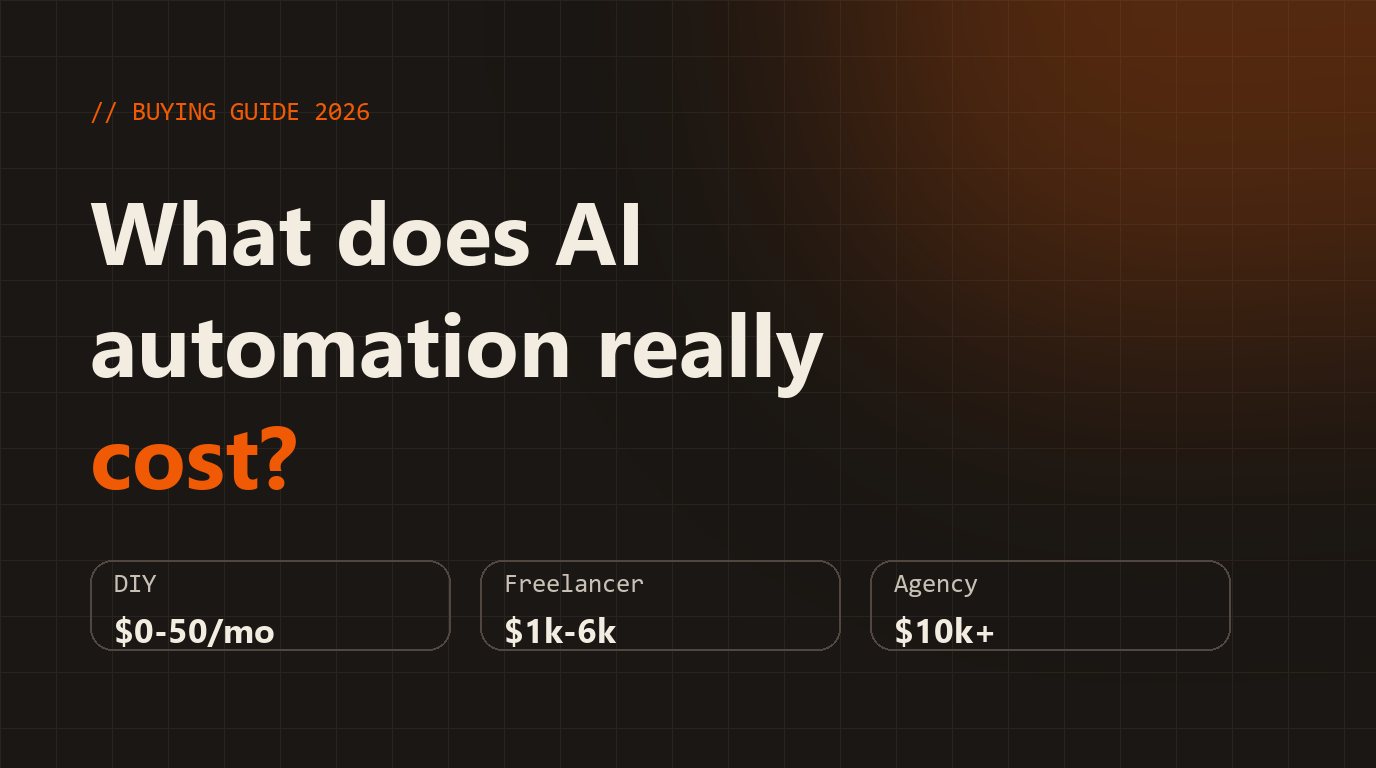
If you've asked three people what AI automation costs, you've probably heard three answers from "a few hundred dollars" to "$20,000". Both can be true. The price depends on what you're automating, who builds it and what "done" means. Here are the real ranges, what drives them, and how to avoid overpaying.
The short answer
- DIY with a no-code tool: the tool itself is often $0–$50 a month, plus your own time.
- A freelancer, one workflow: published estimates run from about $1,000 to $6,000 for a single workflow, with hourly rates mostly between $25 and $150 depending on skill and region (Ciela, Fiverr).
- A productised retainer: roughly $1,800–$4,500 a month for a defined, ongoing package (Taskip).
- An agency for a mid-size company: $10,000–$20,000+ projects are common.
- Ready-made AI receptionist software: from around $49–$149 a month (Dapta, CallSphere).
These are published estimates from vendors and marketplaces, so treat them as ranges, not quotes.
What actually drives the price
- How many systems it touches. Email → spreadsheet is cheap. Email → CRM → calendar → WhatsApp is not.
- How messy your data is. Clean, consistent inputs are cheap to automate; "it depends who wrote it" is not.
- How costly a mistake is. If a wrong reply is embarrassing but harmless, simple rules are enough. If it can lose money, you need approvals, limits and logging — and that is most of the engineering.
- Running costs. AI usage, hosting and tool subscriptions are separate from the build price and continue every month.
- Maintenance. Integrations change. Someone has to own fixing them.
Three ways to buy, honestly compared
Do it yourself. Cheapest in money, most expensive in time, and fine for simple automations. The risk is a half-working setup nobody fully understands.
Hire a specialist for a fixed scope. Best value for one clear workflow. Insist on a written scope, a fixed price and handover of everything you paid for.
Hire an agency. Makes sense when the project is large, cross-team or regulated. Often overkill for a first automation.
How to avoid overpaying
- Ask for the scope and price in writing before you pay, including what "done" looks like.
- Make sure you own the code, the workflows and the accounts. No lock-in.
- Ask what the monthly running cost will be, and who pays it. You should pay tool and AI providers directly, on accounts in your name.
- Ask where a human approves things, and what happens when the AI is wrong.
- Ask for logs and alerts, so failures are visible instead of silent.
- Be wary of anyone promising a specific income or result.
Work out your own number first
Before you ask for quotes, estimate what fixing the problem is worth. If faster replies win back even a few customers a month, or an automation gives you back hours every week, you can compare that directly with any price you're quoted. Try the free ROI calculator — it uses conservative assumptions you can change.
What I charge
I work with companies at fixed prices: a free 45-minute AI briefing for leadership teams, a half-day AI Adoption Workshop at $2,500 for up to 20 people, a two-week AI Opportunity Assessment at $3,500, and pilot builds from $7,500. You pay tool and AI costs directly. See all packages, or start with the free briefing.
Prices change and every project is different — this is guidance, not a quote.